
Chipotle Nutrition Calculator

Chipotle Nutrition Calculator

Calories
Protein
Carbs
Fat
Sodium

Chipotle Nutrition Calculator: Build Your Order and See the Numbers Instantly

You are standing in line at Chipotle trying to decide between a burrito bowl and a burrito, brown rice or white, chicken or steak, and whether that extra scoop of guacamole is worth it. Most people order first and wonder about calories later, which is exactly backwards if you are tracking macros or watching your intake.

A Chipotle nutrition calculator lets you select your protein, base, toppings, and extras, then instantly shows total calories, protein, carbs, and fat for that exact order. Instead of guessing or checking a static PDF, you build your meal item by item and see the nutrition numbers update in real time.

What Is a Chipotle Nutrition Calculator

A Chipotle nutrition calculator is an interactive tool that mirrors the actual ordering process at the counter, letting you pick each ingredient the way you would in the restaurant or app.

How It Differs From a Standard Nutrition Chart

A printed nutrition chart lists every ingredient separately, forcing you to manually add up numbers for rice, beans, protein, and toppings. A calculator does that math automatically the moment you select each item, so there is no manual addition involved.

Why This Matters for Chipotle Specifically

Chipotle meals are fully customizable, and two people ordering a “chicken bowl” can end up with very different calorie counts depending on rice, beans, cheese, and sauce choices. A calculator accounts for this variability instead of giving you one generic average number.

How to Use a Chipotle Nutrition Calculator

Building an accurate meal profile takes just a few taps once you know your usual order.

Selecting Your Base and Protein

Start by choosing your format, bowl, burrito, salad, or tacos, then pick your protein such as chicken, steak, barbacoa, sofritas, or carnitas. Protein choice is usually the biggest swing factor in total calories and protein grams, so this step matters most.

Adding Rice, Beans, and Toppings

Next add your base, brown or white rice, and beans, followed by toppings like fajita vegetables, cheese, sour cream, salsa, and guacamole. Each addition updates the running total, which makes it easy to see exactly which topping is pushing your calorie count higher.
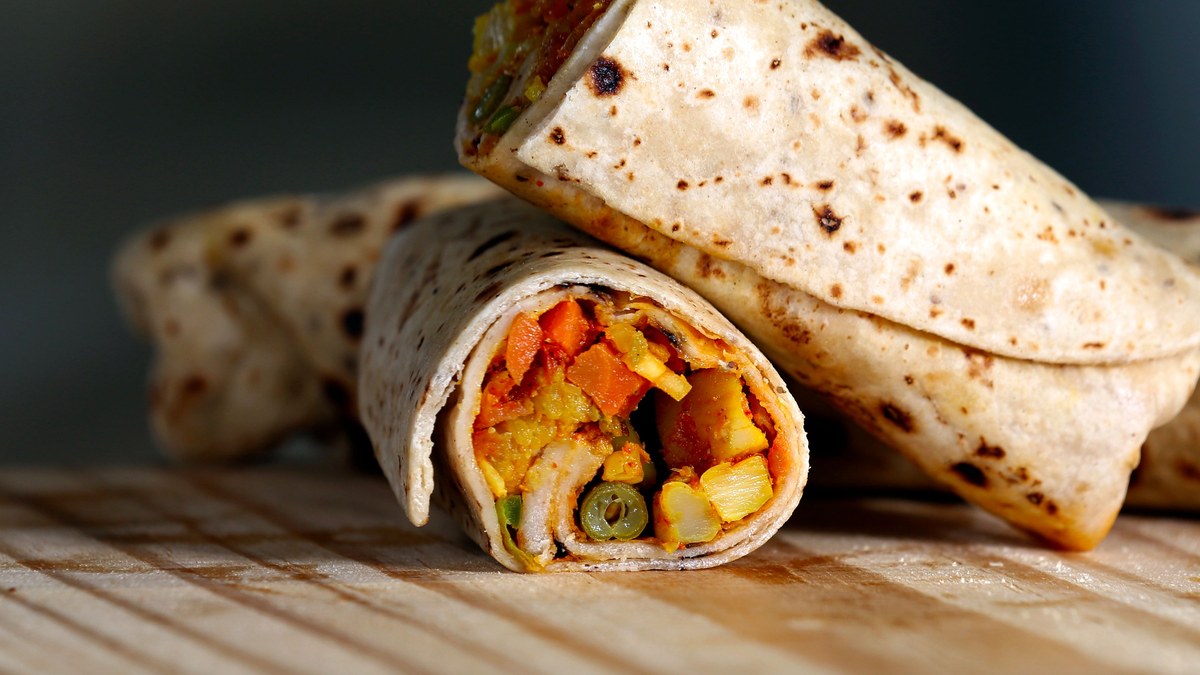
A burrito cut open to show its filling, the kind of meal a Chipotle nutrition calculator tracks

Chipotle Nutrition Calculator vs Manual Tracking vs App Logging

Different tracking methods suit different habits and levels of detail.

MethodChipotle Nutrition CalculatorManual Chart LookupFood Logging App
SpeedInstant, item by itemSlow, manual additionModerate, requires search
Accuracy for custom ordersHighLow, uses averagesDepends on database entry
Best forBuilding exact ordersQuick single-item checksDaily total tracking
Mobile friendlyYesSometimesYes

If you already track meals daily, pairing a Chipotle-specific calculator with a broader calorie tracking tool gives you both order-level accuracy and a full daily picture.

Understanding the Nutrition Breakdown

Knowing what each number represents helps you use the calculator results properly, not just glance at the calorie total.

Calories, Protein, Carbs, and Fat Explained

Calories represent total energy, protein supports muscle repair and satiety, carbs come mainly from rice and beans, and fat comes largely from cheese, sour cream, and guacamole. A typical chicken bowl with rice and beans lands around 600 to 700 calories before extra toppings are added.

Sodium and Other Details Worth Checking

Chipotle meals can run high in sodium, particularly with double protein, queso, or extra salsa, often exceeding 1,500mg in a single order. If you are managing sodium intake, checking this figure is just as important as tracking calories, since it is easy to overlook.
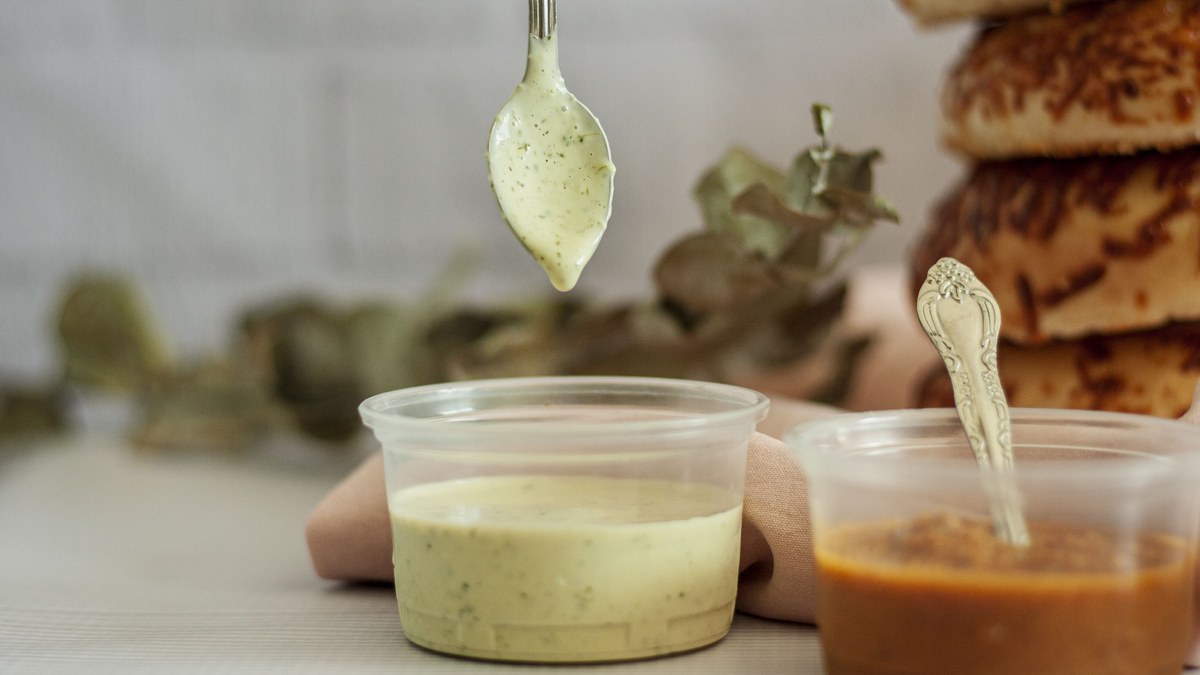
Tubs of fresh guacamole and salsa, the toppings a Chipotle nutrition calculator counts

Tips for Lowering Calories Without Losing Flavor

Small substitutions can meaningfully change your order’s nutrition profile.

Smart Swaps That Cut Calories

Choosing a salad or bowl over a burrito removes the tortilla, which alone saves roughly 300 calories. Swapping sour cream for extra salsa or lettuce also reduces fat while keeping the meal filling.

Portion Control on High-Calorie Add-Ons

Guacamole and cheese are the two toppings that add the most calories per scoop, so requesting a light portion instead of skipping them entirely is often a reasonable middle ground. A calculator makes this tradeoff visible before you commit to the order, rather than after you have already eaten it.

Final Thoughts

A Chipotle nutrition calculator turns a fully customizable meal into a set of clear, trackable numbers before you order. It shows exactly how your protein, base, and topping choices affect calories, protein, carbs, and sodium, removing the guesswork of manual tracking. Whether you are counting macros strictly or just being more mindful, running your usual order through the calculator once is worth the extra minute.

Frequently Asked Questions

How many calories are in a typical Chipotle bowl?
A chicken bowl with rice, beans, and standard toppings usually falls between 600 and 700 calories, though it can rise quickly with extra cheese or guacamole.

Is a burrito or bowl lower in calories?
A bowl is generally lower since it skips the flour tortilla, which adds roughly 300 calories on its own.

Which Chipotle protein has the most protein?
Chicken and steak typically offer the highest protein per serving, usually around 30 to 35 grams for a standard scoop.

Does the calculator include drinks?
Most nutrition calculators focus on food items, so drinks like sodas or margaritas usually need to be checked separately.

Is sofritas a good low-calorie option?
Sofritas is plant-based and moderate in calories, making it a reasonable choice for those avoiding meat, though it is lower in protein than chicken or steak.

How accurate is a Chipotle nutrition calculator compared to the app?
Well-built calculators use the same published nutrition data Chipotle provides, so results are typically consistent with the official app.

What is the lowest-calorie Chipotle order?
A salad with chicken or sofritas, fajita vegetables, and salsa, without cheese or sour cream, is usually among the lowest-calorie combinations.

Does queso add a lot of calories?
Yes, queso is one of the higher-calorie add-ons, often adding around 120 calories for a standard portion.

Can I use this calculator for macro tracking?
Yes, since it breaks down protein, carbs, and fat separately, it works well for anyone tracking macros rather than just total calories.

Are Chipotle nutrition numbers the same at every location?
Standard menu items are generally consistent, though portion sizes can vary slightly depending on who is serving your order.

For official ingredient-level nutrition data, you can also cross-check figures on Chipotle’s own nutrition calculator.

Three Worked Orders Compared With the Calculator

The best way to learn the calculator is to test three orders you might actually buy, and look at how one change moves the totals. Start with the default order in the calculator at the top of this page: a burrito with chicken, white rice, black beans, and cheese. That order shows 950 calories, 58 grams of protein, 113 grams of carbs, 30 grams of fat, and 1650 milligrams of sodium. Write those numbers down, because they are your starting point. Now change only one thing in the calculator, and watch what happens. Change the base from a burrito to a bowl, and the calories will fall by roughly 300, because you have removed the flour tortilla, while the protein and the fillings stay the same. That single swap is the largest easy saving in a Chipotle order, and it is why bowls are the first choice for many people who track calories.

Next, test a lighter order in the calculator. Choose a bowl with chicken, no rice, black beans, fajita vegetables, and fresh tomato salsa. The calories will be much lower than the default burrito, because you have removed both the tortilla and the rice, and you have kept the protein and the vegetables that add flavour without much energy. Now test a richer order, such as a burrito with steak, white rice, cheese, and guacamole, and compare it with the lighter bowl. The gap between the two orders can be several hundred calories, even though both orders come from the same restaurant and feel like a similar meal. This is the lesson of the calculator: at Chipotle, it is not the restaurant that decides your calories, it is the small choices you make in the line.

How to Build a High Protein Chipotle Order

Protein is the main reason many people choose Chipotle, because a single order can cover a large part of a day of protein in one meal. Chicken and steak are the strongest choices, and the calculator shows each standard serving at around 30 to 35 grams of protein. If you want more protein, you can ask for double protein, but that will also add calories and sodium, so check the new totals in the calculator before you order. Beans add a useful amount of protein as well, and they also add fibre, which helps you feel full for longer. Black beans and pinto beans are both good choices, and the difference between them is small, so choose the one you like best. A bowl with chicken, black beans, and fajita vegetables gives you a strong mix of protein, fibre, and vegetables in one meal, without the extra calories of a tortilla.

Be careful with toppings that add calories without adding much protein. Cheese and sour cream add flavour, but they add more fat and calories than protein, so a high protein order can turn into a high calorie order if you add both. If you want to keep the protein high and the calories in check, choose salsa and fajita vegetables for flavour, and add cheese only if you really want it. Guacamole adds healthy fats and it is a good food, but it is also energy dense, so a light portion is a better choice than a full portion when you are counting calories. Use the calculator to test each topping one at a time, and you will soon learn which toppings are worth their calories for your goal.

How to Build a Lower Sodium Order

Sodium is the number most Chipotle customers forget to check, and it can be high even in a healthy looking meal. The default order in the calculator shows 1650 milligrams of sodium, which is a large share of a full day of sodium in one meal for many people. Most of that sodium comes from the protein, the rice, the beans, and the cheese together, so no single swap will fix it on its own. Start by choosing a plain protein and fresh vegetables, because salsa, cheese, and queso add sodium on top of the main dish. Choose one flavoured topping rather than three, and skip extra salt at the table. Drink water with the meal rather than a salty drink, and remember that a second helping of chips adds sodium as well as calories.

You do not need to cut sodium to zero, and you should not try to do that in one step. Instead, use the calculator to build your normal order, note the sodium total, and then test one change at a time until the total falls to a level you are happy with. For example, try the same order without cheese, then try it with fresh tomato salsa instead of a saltier topping, and compare the numbers each time. If you eat at Chipotle often, even a saving of a few hundred milligrams per meal will add up over a week. The calculator makes that testing easy, because you can see the sodium number change at once, without guessing.

Low Carb and Keto Friendly Choices at Chipotle

A low carb order at Chipotle starts with the base. Skip the tortilla, the rice, and the beans, and choose a salad base or a bowl with fajita vegetables and lettuce instead. Chicken, steak, and sofritas are all useful proteins for a low carb meal, and they keep the protein high while the carbs stay low. Fresh tomato salsa adds flavour with few carbs, while guacamole adds healthy fats that fit well with a low carb plan. Cheese and sour cream also fit a low carb plan, but they add calories, so keep the portions light if you are also watching calories. Test the order in the calculator and look at the carbs number, because a single serving of rice or beans can add far more carbs than all the other parts of the meal combined.

One common mistake with low carb orders is to forget about drinks and chips. A soft drink adds sugar and carbs that do not show in the food calculator, and tortilla chips add a large amount of carbs in a small portion. Water, unsweetened iced tea, or a sugar free drink keeps the meal low carb, and skipping the chips keeps the carbs down as well. Another mistake is to assume that a salad is always the lowest carb choice. A salad with rice, beans, and sweet dressing can have more carbs than a plain bowl with meat and vegetables, so always check the numbers rather than trusting the name of the dish. The calculator lets you test both options side by side in a few seconds, and that test is more useful than any general rule.

Common Mistakes When Using a Nutrition Calculator

The first mistake is to forget that the numbers are for a standard serving. In a real Chipotle restaurant, one server may add a little more rice or cheese than another, so your real meal may differ from the calculator by a small amount. Treat the calculator as a good guide, not as an exact measure, and leave a small margin in your daily plan. The second mistake is to count only calories and ignore protein, carbs, fat, and sodium. A meal can be low in calories and still be high in sodium, or high in protein and also high in fat, so look at all five numbers before you decide. The third mistake is to test only one order and stop there. The value of the calculator is in comparing orders, so test at least three versions of your usual meal each time you use it.

The last mistake is to build a perfect order on the calculator and then change it in the line without checking. A light portion of guacamole can become a full portion, and a single topping can become three, and the numbers will change with each change. Decide your order before you join the line, use the calculator totals as your plan, and ask for the portions you planned. With that habit, the calculator becomes a real tool for better choices, not just a fun way to look at numbers after you have already eaten.

If you are planning a party spread to go with a lighter meal, our guide to colorful party drinks has five eye-catching options that pair well with a Chipotle-style menu.

Leave a Reply