
IMEI Number iPhone: 7 Easy Ways to Find It and Avoid Scams
To find your IMEI number on iPhone, dial *#06# on the keypad and the 15-digit number appears at once. You can also open Settings, tap General, then tap About, and scroll down to IMEI. The IMEI is your phone’s unique identity code, and you need it for an unlock check, a stolen phone report, or a used iPhone check. This guide shows you 7 easy ways to find it, explains what each code means, and warns you about the scams that target this number.
ANSWER BOX 1
Dial *#06# on your iPhone keypad to see your IMEI number in seconds. You do not need to press call, and the number appears as soon as you type the last character. If you want to copy it instead, open Settings, tap General, then tap About, and press and hold the IMEI line. Save it in a safe place today.
ANSWER BOX 2
If your iPhone is lost or stolen, sign in at account.apple.com, open Devices, and select your iPhone to see its IMEI number. Give that number to your carrier and to the police so they can block it on the network. A blocked IMEI stops the phone from working on most carriers, which makes it far less useful to a thief.
KEY TAKEAWAYS
- Dial *#06# for the fastest result, or use Settings, General, About to copy the number.
- An IMEI has 15 digits, an MEID has 14, and the serial number is Apple’s own code.
- iPhone 14 and newer have no IMEI on the SIM tray, so use Settings, the box, or your Apple Account.
- Never post your IMEI in public, and never pay a site just to check it.
- Check the IMEI before you buy a used iPhone.
Contents
- What Is an IMEI Number on iPhone?
- IMEI Number iPhone: 7 Easy Ways to Find It
- IMEI vs MEID vs Serial Number: What Is the Difference?
- What Is Your IMEI Number Used For?
- The 60-Second Used iPhone IMEI Check
- IMEI Number iPhone Mistakes to Avoid
- What to Do If Your iPhone Is Lost or Stolen
- IMEI Number iPhone FAQ
What Is an IMEI Number on iPhone?
IMEI stands for International Mobile Equipment Identity, a 15-digit code that identifies your exact iPhone on mobile networks. No two phones share the same IMEI, so it works like a fingerprint, and it stays with the phone when you change the SIM or switch carriers. Apple assigns the number when the phone is made, and the GSMA manages the number blocks. Your carrier reads this code each time the phone joins a network.
The 15 digits are not random, and each part has a job to do. The first eight digits form the Type Allocation Code, which names the exact model. The next six digits are the serial part, which makes your phone unique among all phones of that model. The last digit is a check digit, and systems use it to spot a mistyped number.
IMEI Number iPhone: 7 Easy Ways to Find It
These seven ways cover every case. Start with the first two, since they take seconds. Use the rest when the screen is broken. Each way shows the same number, so pick the one that fits your case.
Way 1: Settings, General, About
Open Settings, tap General, then tap About, and scroll down to IMEI. Press and hold the number to copy it. This is the best way for an exact copy, since typing 15 digits invites a mistake. While you are here, our guide on how to change the alarm sound on iPhone fixes another everyday annoyance.
Way 2: Dial *#06#
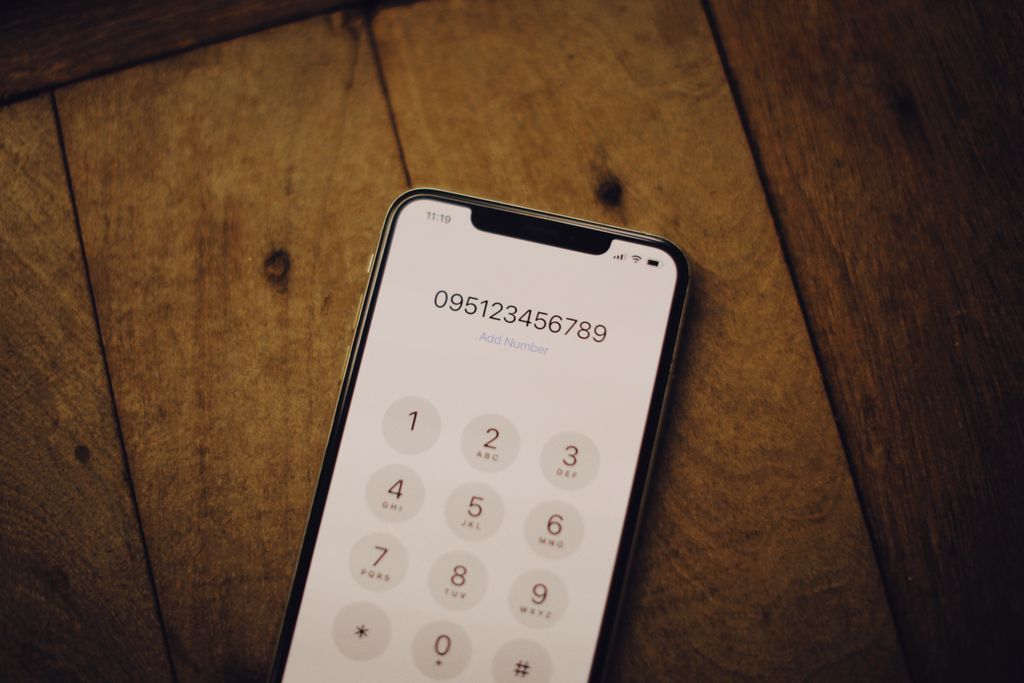
Open the Phone app, tap the keypad, and type *#06#. Do not press call, since the Device Info screen pops up on its own. The screen shows your IMEI, plus a second IMEI and the EID on dual-SIM models. This is the fastest way, and it works on almost any phone.
Way 3: The SIM Tray on Older iPhones
If your iPhone has a SIM tray, push a SIM eject tool into the hole. On iPhone 13 and older, the IMEI is engraved in tiny print on the tray. This fails on iPhone 14 and newer, since Apple dropped the engraving. If your tray is blank, use Way 1 or Way 2 instead.
Way 4: The Original Box
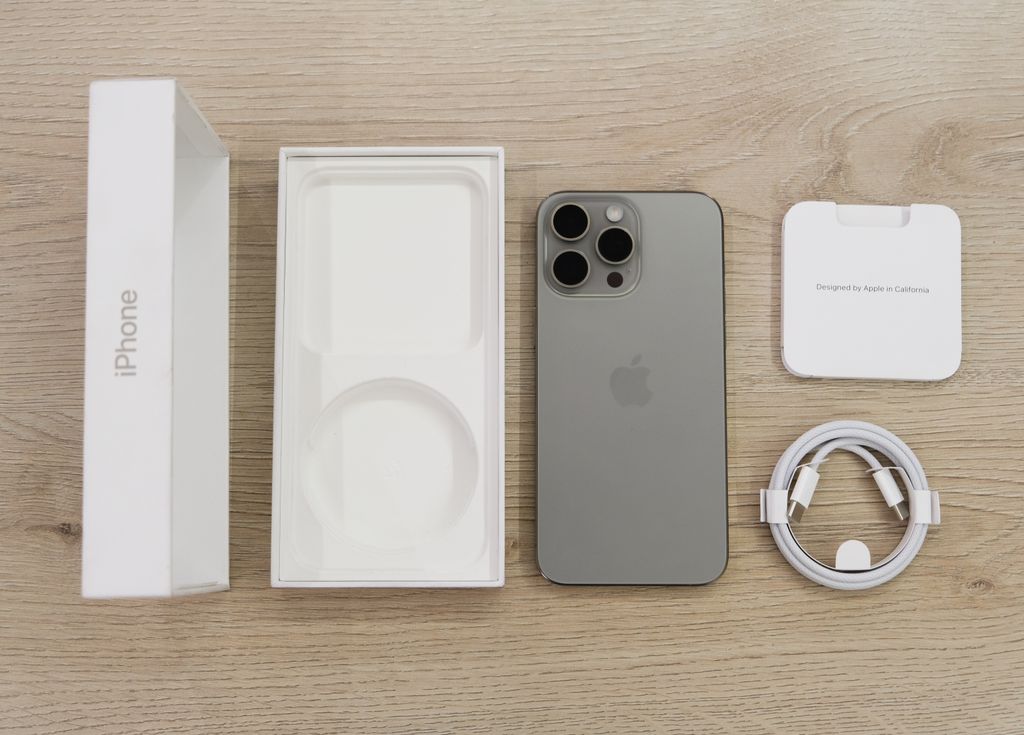
Find the box your iPhone came in and look at the white label. The label lists the model, storage, serial number, and IMEI in clear print next to a barcode. This is the best way when the phone is dead or lost, since the box still holds the number. Keep the box, or photograph the label on day one.
Way 5: Your Apple Account Page
Open a browser, go to account.apple.com, and sign in with your Apple Account. Open Devices and select your iPhone from the list tied to your account. The device page shows the serial number, the EID, and the IMEI. This works even when the phone is lost or stolen, so it is the most useful way in an emergency.
Way 6: Finder on a Mac or the Apple Devices App on Windows
Plug your iPhone into your computer, then open Finder on a Mac or the Apple Devices app. Select your iPhone, then click Phone Number to switch between the IMEI, the EID, and the ICCID. This suits you when the screen is cracked but the phone still turns on. On an older Mac or PC, the same details sit on the Summary tab in iTunes.
Way 7: Your Carrier Account or Receipt
Sign in to your carrier account and open the device details. Most carriers list the IMEI tied to each line. Your receipt or order email often shows the IMEI too. This way is slow, yet it saves you when the phone, the box, and the computer are gone.
IMEI vs MEID vs Serial Number: What Is the Difference?
The About screen shows several codes at once, and most people mix them up. The key fact is simple: the IMEI identifies the phone, the MEID is its shorter cousin, and the serial number identifies the phone to Apple. Read the table, then give each form the exact code it asks for. The ICCID and the EID belong to the SIM side, not to the phone itself.
| Code | Length | What it identifies | When you need it |
|---|---|---|---|
| IMEI | 15 digits | Your iPhone on mobile networks | Unlock check, blacklist check, stolen report |
| MEID | 14 digits | Same device, older CDMA format | A form that asks for MEID |
| Serial number | 12 characters, letters and digits | Your iPhone to Apple | Warranty, Apple Support, repairs |
| ICCID | 19 to 20 digits | Your SIM card, not the phone | SIM swap, activation |
The MEID causes the most confusion, so here is the rule in one line: on an iPhone, the MEID is the first 14 digits of the 15-digit IMEI, with the last check digit left off. Apple shows IMEI and MEID together on older models, yet modern forms almost always want the full 15-digit IMEI. If a form asks for the MEID, copy the 14-digit code exactly, and never add a digit to make it 15. The ICCID changes with a new SIM card, while the IMEI stays the same.
What Is Your IMEI Number Used For?
The IMEI does four real jobs, and each one matters at a different point in your phone’s life. First, carriers use it to check whether a phone is locked to one network or free to use on any network. Second, carriers and police use it to block a lost or stolen phone, so it cannot join a network even with a fresh SIM inside. Third, Apple and repair shops use it to confirm the model and the warranty. Fourth, buyers use it to confirm the phone is clean and paid off before they pay.
The theft problem is large, and that is why the blacklist exists. About 70 million smartphones are reported stolen or lost worldwide every year (ITU, 2025), so carriers share blocked IMEI lists through the GSMA. India’s CEIR portal had blocked 3,318,051 smartphones, traced 2,007,749 devices, and returned 457,320 phones by June 2025 (Digit.in, 2025). Apple reported more than 2.5 billion active devices worldwide, an all-time high, with its fiscal Q1 2026 results (Apple, 2026). Save your IMEI in a locked note today.
The 60-Second Used iPhone IMEI Check
This is the check most guides skip, and it saves you from buying a phone that can never make a call. Run it before you pay, not after, since a seller who rushes you is giving you a warning. Ask the seller for the IMEI before you meet, then run it through the free GSMA Device Check. If the seller will not share the IMEI in advance, walk away from the deal.
USED IPHONE IMEI CHECKLIST
- Ask for the IMEI before you meet, and run it through the free GSMA Device Check.
- Match the IMEI from *#06#, Settings, and the box, and stop if they differ.
- Confirm Activation Lock is off and the seller signs out of their Apple Account.
- Ask the carrier if the phone is paid off and unlocked.
- Pay in a safe public place and keep the receipt with the IMEI on it.
IMEI Number iPhone Mistakes to Avoid
The worst mistake is posting your IMEI in public, so never share it in a forum post, a sale listing, or a social media screenshot. A stranger with your IMEI can file a false stolen report, clone the number, or use it in a scam. Blur the IMEI out of any photo of the box or the About screen, and share it only with your carrier, Apple, the police, or a trusted buyer. Treat the IMEI like a bank account number.
The second mistake is paying for an IMEI check that should be free. The GSMA Device Check is free and tells you if the phone is reported lost or stolen, and your carrier checks the lock status for free too. Paid sites often sell the same public data with scary words added. If a site asks for payment before it shows any result, close the tab and use the free check instead.
What to Do If Your iPhone Is Lost or Stolen
Act fast, since the first hour matters most. First, open Find My on another Apple device or at icloud.com/find and mark the phone as Lost, which locks it and shows your contact number. Next, sign in at account.apple.com, open Devices, and copy the IMEI, since you will need it for the next two calls. Then call your carrier and ask them to suspend the line and block the IMEI. Tell your family in your group chat what happened, and if it gets too noisy, here is how to remove yourself from a group text once things calm down.
File a police report and give the officer the IMEI, the serial number, and where you last saw the phone. Keep the report number with your IMEI, since your insurer will ask for both. Do not pay any site or stranger who claims they can track or unlock the phone for a fee, since those offers are almost always scams. If you borrow a phone, you can send a voice message on iPhone to a family member, and then change your Apple Account password.
IMEI Number iPhone FAQ
How do I find my IMEI number on iPhone without Settings?
Dial *#06# on the keypad. You can also read it on the box label or in your Apple Account.
What is the code to check IMEI on iPhone?
The code is *#06#, typed on the Phone keypad without pressing call. The screen shows the IMEI and the EID.
Is the IMEI number the same as the serial number?
No, the IMEI is a 15-digit code for mobile networks. The serial number is Apple’s 12-character code for support.
Can I find my IMEI if my iPhone is lost?
Yes, sign in at account.apple.com and open Devices. The box label and your carrier account show it too.
How many digits is an iPhone IMEI number?
An iPhone IMEI has 15 digits, and the last digit is a check digit. A 14-digit code is the MEID, not the IMEI.
Why does my iPhone show two IMEI numbers?
Your iPhone shows two when it supports two SIMs, one per SIM. Save both of them.
Where is the IMEI on iPhone 14 and newer?
On iPhone 14 and newer, the IMEI is not engraved on the tray or case. Use Settings, *#06#, or your Apple Account.
Can someone do anything bad with my IMEI number?
Yes, a stranger can file a false stolen report, clone the number, or use it in a scam. Never post it in public.
How do I check if an iPhone IMEI is blacklisted?
Run it through the free GSMA Device Check. Ask the carrier too, since a billing block may not show there.
Is it safe to share my IMEI number with a buyer?
Yes, share it with a real buyer by private message only, never in a public listing.
What is the difference between IMEI and MEID?
The IMEI is the full 15-digit code, while the MEID is its first 14 digits.
Does changing the SIM card change the IMEI?
No, the IMEI belongs to the phone, not to the SIM, so it never changes. The ICCID changes with the SIM.
References
- Apple Support, Find the serial number or IMEI on your iPhone, iPad, or iPod touch, May 12, 2026.
- GSMA Device Check, free IMEI lost or stolen check, accessed November 2026.
- ITU, Question 4/2: combating counterfeiting and theft of mobile devices, 2025.
- Digit.in, Sanchar Saathi: how to track and recover your lost phone, June 13, 2025.
- Apple, fiscal Q1 2026 results, announced January 29, 2026.
Final Word
Find your IMEI number today and save it somewhere safe. Dial *#06# right now and take a screenshot, then paste the number into a locked note. If you cannot find a saved file later, our guide on where downloads go on iPhone shows you where iOS puts it. Check the number before you buy a used phone, never post it in public, and never pay a site just to check it.
Read more about the IMEI on Wikipedia: https://en.wikipedia.org/wiki/International_Mobile_Equipment_Identity